Email : sales@xhanco.com
Phone : +8619129236778
Changing an airport printer or common-use platform can invalidate an old boarding-pass approval. Recheck the stock, print layout and readers together before rollout.
For procurement teams, the important question is not whether the replacement printer can produce a ticket. It is whether the approved thermal stock still feeds, images, separates and reads reliably across the intended operating configuration. A supplier's retained paper sample cannot, by itself, establish that result after an equipment or software change.
IATA's Common Use Standards resources state that, from 1 January 2026, its recognized common-use standards used for passenger processing are not designed to be supported on end-of-life Windows operating systems. This is an already-applicable platform-support position, not a new rule specifying the grammage or dimensions of thermal boarding-pass paper.
The same IATA resource describes the transition to CUSS 2 and links a phased migration plan. Airport teams should check their own platform provider's migration schedule rather than infer a universal paper-replacement deadline. A platform upgrade does not automatically make a paper grade unsuitable; it creates a reason to review the configuration and the evidence supporting continued use.
Direct thermal imaging also remains distinct from thermal-transfer printing. Zebra's printing-method guidance explains that direct thermal media react to the heated printhead, whereas thermal transfer uses a ribbon. Replacing one device with another therefore requires more than comparing their advertised resolution.
Staffed check-in counter: an airport evaluating XHANCO model XH-BP-203-190-001 should test the approved stock with the counter's actual printer configuration. Check feed orientation, image position, sensor response and separation of the detachable stub. A successful output from a supplier's different printer is useful preliminary evidence, not final acceptance for the counter.
Self-service kiosk or gate reprint station: the same 190 gsm thermal boarding-pass listing needs a separate assessment if the feed path, cutter, sensor or output presentation differs. Run the output through the intended gate readers. Do not approve the whole estate solely because a visually similar pass scans on one handheld device.
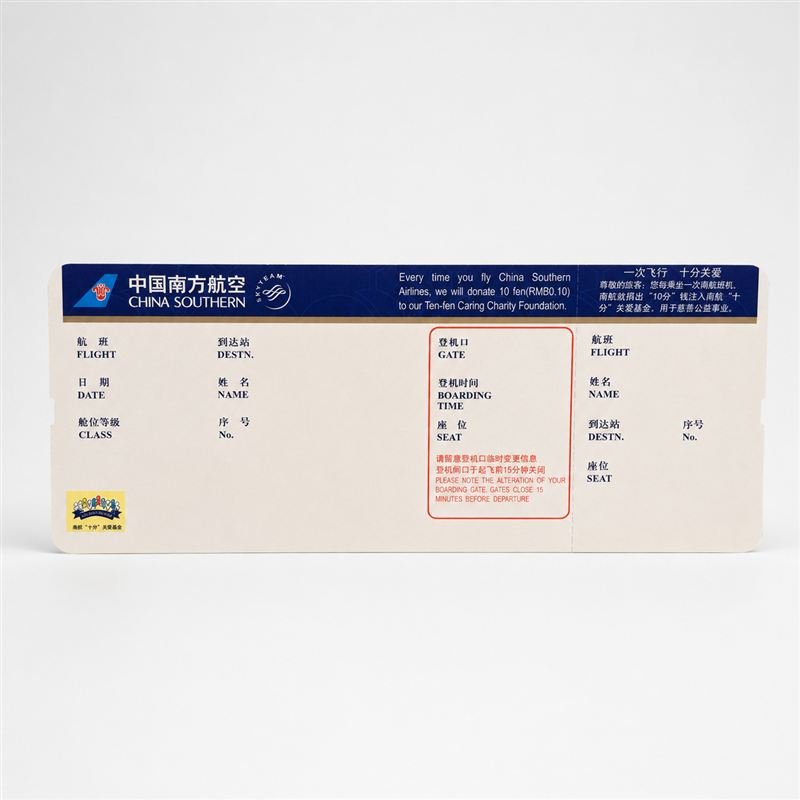
The catalogue lists 203.2 × 82.55 mm stock and customization options. These identify an offered format; they do not establish universal compatibility with every common-use installation. Physical media requirements should come from the installed equipment specification and the airline's controlled layout.
Purchasing can manage the substrate, static printing, conversion drawing and lot traceability. The airline or airport's operational team controls passenger-data generation and the deployed issuing and reading environment. Qualification is strongest when those responsibilities meet in one controlled trial rather than being assumed to sit entirely with the paper converter.
This checklist is procurement guidance, not an IATA certification procedure, a claim that XHANCO has certified a particular airport installation, or a substitute for the operator's requirements. For a stock review, use the existing Airline Boarding Passes solution and send the model, equipment details and proposed changes with your sample request.
Cover: historical Hong Kong airport self-check-in kiosks (2011), by Malcolm Koo (Mk2010), Wikimedia Commons. Photo licensed CC BY-SA 3.0; cropped and resized, with this photo adaptation shared under the same license. Illustrative, not evidence of a XHANCO customer, product approval or airport contract.
Email :sales@xhanco.com
Email :Sales@xhanaero.com
Tel :+8619129236778
Whatsapp : +8619129236778
4/F, Building E, No. 5 Xinhe South Road, Zengcheng District, Guangzhou, China


Leave A Message
Scan To Wechat :

Scan To WhatsApp :


 Product categories